



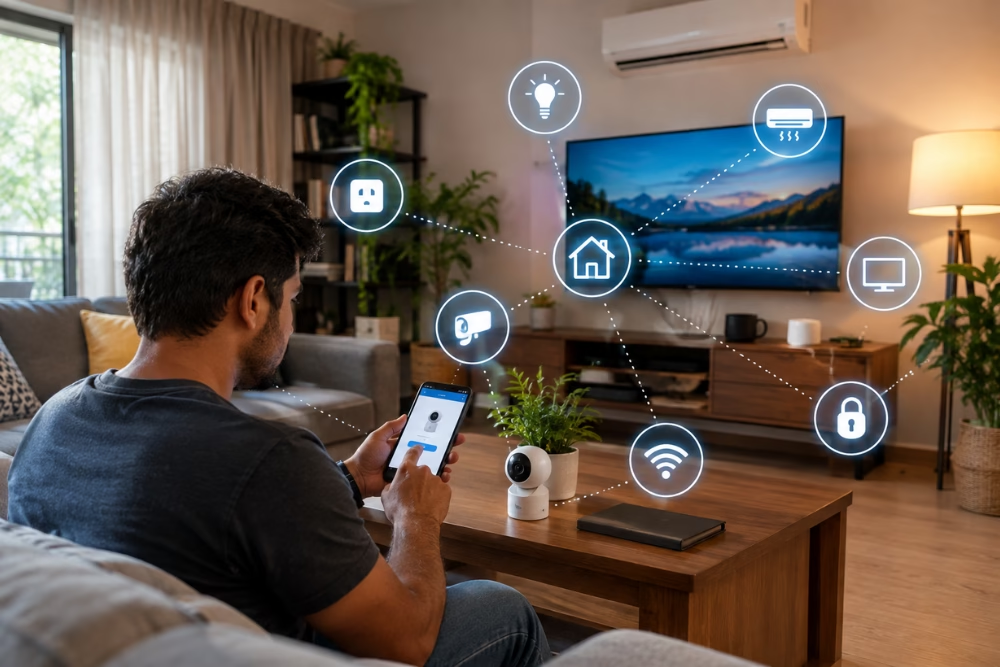
Setting up a smart home can be exciting, but choosing compatible devices and getting them connected properly can require some planning. With an array of intelligent gadgets available, transforming your living space into a tech-savvy environment requires careful planning and execution. This comprehensive Smart Home Installation Guide aims to simplify this process.
Whether you are a DIY enthusiast or just beginning to explore the world of home automation, understanding the intricacies of setting up devices like smart lights, thermostats, and security systems is essential for a seamless smart home experience. In this guide, you’ll receive step-by-step instructions and useful tips for a successful DIY Home Automation Setup.
Introduction to Smart Home Installation
Welcome to the realm of smart homes, where convenience and control are at your fingertips. Before diving into individual device installations, it is crucial to comprehend the basic components and workflow of a smart home system.
A typical smart home setup involves a hub or central controller managing all connected devices, an internet connection for remote access and automation rules, and compatible gadgets that communicate via specific protocols like Zigbee, Z-Wave, or Wi-Fi. Understanding these core elements will streamline your installation process, allowing you to create a customized environment tailored to your needs and lifestyle.
As you begin your DIY Home Automation Setup, take inventory of your needs and existing technology. Check that your Wi-Fi can support your planned devices. Consider the layout and construction of your home; for instance, thick walls may require range extenders to ensure seamless connectivity. This planning phase will prevent future headaches and help you select the most suitable products for your smart home dream.
Step-by-Step Guide for Installing Smart Lighting
Smart lighting is often the first step towards a smart home due to its simplicity and immediate impact. To start, evaluate which lighting fixtures or bulbs you want to make smart. Smart bulbs can replace your existing bulbs, offering features like remote control, scheduled timers, and color adjustments. Alternatively, smart switches control multiple lights with existing bulbs intact, ideal for wired fixtures.
Once you’ve selected your hardware, follow these steps:
- Purchase and Preparation: Choose compatible smart bulbs or switches. Make sure your Wi-Fi network is functional and the devices support your home automation hub (if applicable).
- Installation of Smart Bulbs: Replace your existing bulbs; connect to the corresponding app (e.g., Philips Hue, LIFX) via Wi-Fi, and follow app instructions for setup.
- Installation of Smart Switches: Turn off power at the circuit breaker, remove your existing switch, install the smart switch following manufacturer instructions, and restore power. Pair and configure via app.
- Testing and Automation: Test the functionality using voice assistants or your smartphone. Create automation scenes like dimming lights at specific times.
Smart lighting can improve convenience, control, and home ambiance. Experiment with different settings and discover what works best for you.
How to Install and Configure Smart Thermostats
Installing a smart thermostat does more than just regulate temperature; it brings energy efficiency and convenience to your fingertips. Begin by ensuring your HVAC system is compatible with the thermostat model you selected. Products like Nest, Ecobee, and Honeywell Lyric are popular choices integrated into diverse heating and cooling systems.
Follow these steps for installation:
- Removal and Wiring: Turn off your HVAC system. Remove your existing thermostat and take note of existing wiring. Most smart thermostats use a standard wiring system; however, a C-wire or common wire often enhances functionality.
- Mounting: Follow the manufacturer’s guide to mount the new thermostat on the wall. Connect wires to the respective terminals, typically labeled R (power), W (heat), Y (cooling), G (fan), and C (common).
- Activation and Configuration: Power on your HVAC and thermostat. Use the smartphone app to connect the device to your Wi-Fi, following onscreen prompts for configuration.
- Programming: Set temperature schedules, use geofencing to save energy when away, and integrate with smart speakers for voice control.
Smart thermostats not only learn your schedule but can also reduce energy bills while keeping your home environment comfortable and sustainable.
Setting Up Smart Security Systems
Home security is paramount, and smart technology brings an additional layer of peace of mind. Setting up smart security systems involves indoor and outdoor cameras, sensors for doors and windows, smart locks, and a central app or hub for control.
The following steps outline setting up a basic system:
- Choose Components: Select an integrated ecosystem like Ring, Arlo, or SimpliSafe. Choose cameras with night vision and motion detection, and consider adding smart locks and doorbells.
- Placement: Place cameras at key entry points, ensuring the field of view is unobstructed. Install sensors on potential entry points like doors and windows.
- Integration and Setup: Connect devices to your Wi-Fi network and associate with the app. Configure alerts for real-time notifications and set up automation routines.
- Testing: Verify that all components function as expected. Test the devices and alerts to make sure they work as expected.
With smart security systems, monitoring your home can be as simple as opening an app on your phone, offering assurance whether you’re at home or halfway across the world.
Tips for Integrating Smart Speakers and Voice Assistants
Adding smart speakers and voice assistants into your home not only enhances convenience but also brings unified control over your devices. Compatible with various smart home products, assistants like Amazon Alexa, Google Assistant, or Apple’s Siri can serve as voice-activated control hubs.
Consider the following tips for effective integration:
- Placement: Position your smart speaker in frequently used spaces like the living room or kitchen for optimal voice reception.
- Device Connections: Link the speaker with compatible smart home devices through their respective apps. Ensure all devices are on the same network.
- Command Training: Use the voice assistant to set up commands for individual devices and establish routines like “goodnight” to turn off lights and lock doors.
- Privacy: Manage privacy settings to control what data is stored and when to mute the microphone for sensitive conversations.
These assistants can simplify everyday tasks and make controlling compatible devices easier.
Troubleshooting Common Smart Home Device Issues
Despite the sophistication of smart home technology, you may encounter occasional hiccups. Common problems include connectivity issues, unresponsive devices, or app-related errors. Understanding basic troubleshooting steps will quickly get your intelligent gadgets back in working order.
Here’s how to tackle common issues:
- Connectivity Troubles: Check Wi-Fi signal strength, move devices closer to the router, or add range extenders. Ensure firmware and app updates are current.
- Device Not Responding: Restart the device or perform a reset according to manufacturer instructions.
- App Errors: Clear cache, restart the application, or reinstall if persistent issues arise. Verify that you have latest app version.
- Integration Issues: Ensure all devices are correctly paired and discoverable by your hub or voice assistant.
By adopting a systematic approach to problem-solving, most issues can be resolved with minimal disruption, supporting a smoother smart home experience.
In conclusion, bringing smart technology into your home doesn’t have to be an insurmountable task. Armed with the proper instructions and a methodical approach, you can enjoy the benefits of modern living with a DIY Home Automation Setup.
From installing lighting and thermostats to configuring security and voice-controlled systems, the possibilities are broad and rewarding. As you continue your intelligent gadget setup, remember that a little planning, patience, and troubleshooting go a long way in achieving a seamlessly integrated smart home that enhances your lifestyle.
Frequently Asked Questions (FAQs)
1. What should I consider before setting up smart home devices?
Check device compatibility, Wi-Fi coverage, power requirements, and your preferred smart home ecosystem before purchasing or installing devices.
2. How do I set up smart lighting?
Install compatible smart bulbs or switches, connect them to the manufacturer’s app, and follow the setup instructions. You can then configure schedules, scenes, or voice controls where supported.
3. Can I install a smart thermostat myself?
Some smart thermostats can be installed as a DIY project, but compatibility and wiring requirements vary. Check your HVAC system and the manufacturer’s installation instructions before proceeding.
4. How can I troubleshoot a smart home device that is not responding?
First, check the device’s power and network connection. Restart the device and app, check for firmware updates, and follow the manufacturer’s reset instructions if the problem continues.
5. How can I connect smart home devices to a voice assistant?
Choose devices compatible with your preferred voice assistant, connect them through the relevant app, and follow the manufacturer’s instructions to link the devices and create voice commands or routines.
