



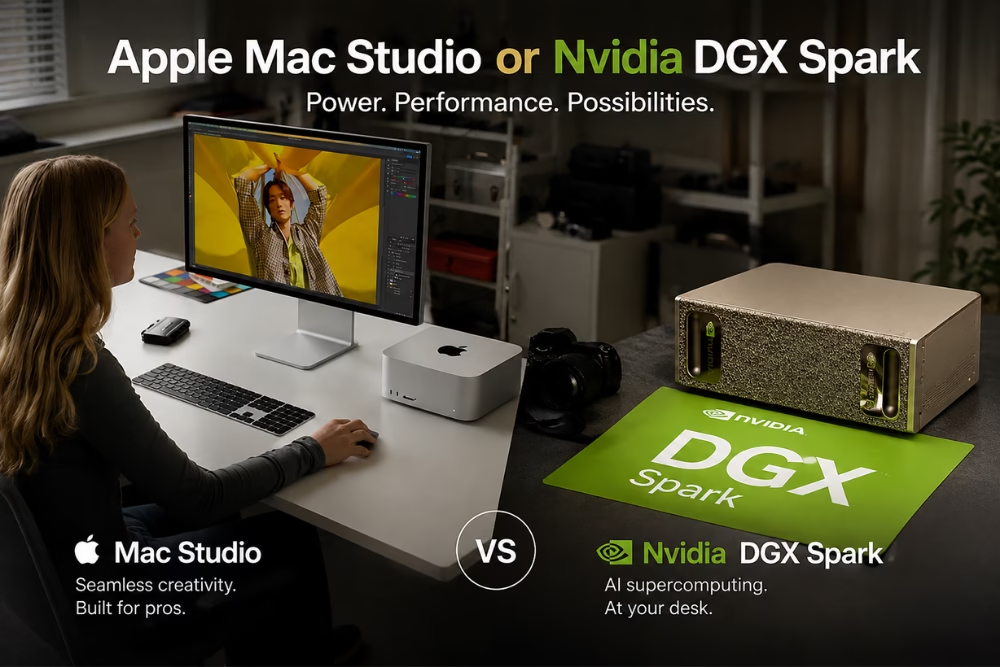
In the race to dominate the AI hardware landscape, two powerhouses have emerged: the Apple Mac Studio and Nvidia DGX Spark. Both positioned as high-end AI workstations, they promise exceptional performance and capabilities. As you navigate through the options for your desktop AI workstation, understanding the specific features, strengths, and weaknesses of each can guide you to the best decision for your AI computing needs. This detailed analysis will walk you through a comparison of these impressive machines, focusing on their specifications, performance, security, and future-proofing potential.
Introduction to AI Workstations
An AI workstation is an essential tool for industries ranging from data science to machine learning and neural network development. When you require immense computational power to train complex AI models or conduct extensive data analysis, a capable desktop AI workstation becomes indispensable. The market is buzzing with options that promise to meet your AI needs, but choosing between them requires a deep dive into what each machine offers.
Today’s AI workstations must balance raw computational prowess with efficient processing, while also offering flexibility and scalability. As you evaluate the Apple Mac Studio and Nvidia DGX Spark, consider factors like the types of projects you’ll undertake, the volume of data and computational demand, and your long-term hardware strategy.
Mac Studio: Key Features
The Apple Mac Studio is a powerhouse entry into the desktop AI hardware arena. Positioned as a compact, yet formidable AI workstation, it is packed with Apple’s proprietary technologies designed to optimize AI and machine learning tasks.
At the heart of the Mac Studio is the M1 Ultra chip, which combines high-speed performance with energy efficiency.
- M1 Ultra Chip: Developed specifically for high-performance computing, it integrates high-speed CPU and GPU cores.
- Neural Engine: An Apple-patented technology designed to accelerate AI computation and machine learning tasks.
- Compact Design: Despite its small form factor, the Mac Studio packs a punch, making it an ideal choice if space is limited.
The connectivity options in the Mac Studio are equally impressive, offering Thunderbolt 4 ports and high-speed software integration with the macOS ecosystem, which can be beneficial for seamless operations and easy software updates.
DGX Spark: Key Features
The Nvidia DGX Spark is crafted specifically for the most demanding AI workloads, known for its unparalleled GPU performance and compatibility with various AI frameworks. It is seen as the veritable superstar in environments where massive dataset processing and extensive deep learning are the norms.
Here’s what makes the DGX Spark stand out:
- GPU Mastery: Equipped with Nvidia’s latest GPUs specifically designed for handling AI and machine learning tasks, offering exceptional parallel processing capabilities.
- Nvidia AI Software Integration: Comes with integrated support for Nvidia’s AI software stack, allowing for optimization in deploying, developing, and scaling AI applications.
- Expandability: Designed with upgradability in mind, enabling future enhancements to meet evolving AI demands.
Comparing CPU and GPU Specifications
When it comes to AI workstations, the CPU and GPU are at the core of computational capability. Both the Mac Studio and DGX Spark offer top-tier processors designed for high-intensity workloads, yet they approach the task from slightly different angles.
For Apple Mac Studio, the M1 Ultra chip merges the CPU and GPU into a seamless unit:
- Processing Units: Utilizes a 20-core CPU and 64-core GPU structure which optimizes AI computation tasks by splitting workloads intelligently across its neural engine.
The Nvidia DGX Spark focuses exclusively on maximizing GPU performance:
- GPU Dominance: Equipped with the most recent Nvidia GPUs, featuring thousands of CUDA cores, it’s designed to deliver unmatched parallel computation capabilities crucial for deep learning algorithms.
As you compare these systems, think about the types of AI workloads you’ll handle. If GPU power is paramount to your needs, DGX Spark is likely your best bet.
Memory and Storage Options
Memory and storage are critical components for AI workstations, providing the bandwidth necessary for large datasets and intricate models. The Mac Studio and DGX Spark both offer expansive memory and storage configurations tailored for AI needs.
The Mac Studio supports up to 128GB of unified memory, which is integrated directly into the M1 Ultra chip to provide high bandwidth speed and low latency performance. This tight integration ensures quicker data access speeds and efficient workflow operations.
The DGX Spark takes a slightly different approach, offering expandable RAM capabilities:
- Memory Customization: Offering up to 1.5TB of RAM, designed for compute-heavy workloads and extensive dataset management.
Both models offer substantial SSD storage options. However, the DGX Spark’s focus on massive expandable storage configurations might be more suitable if your AI programs rely on handling massive datasets or continual read/write operations.
Benchmarking Desktop AI Performance
The performance efficiency of your AI workstation can be objectively measured through benchmarking tests. Both the Mac Studio and DGX Spark have undergone extensive benchmark testing to evaluate their capabilities in real-world scenarios.
Benchmark results often highlight the Mac Studio’s prowess in executing simultaneous tasks swiftly due to its integrated structure and efficient utilization of neural engine capabilities.
On the other hand, DGX Spark stands out in benchmarks focusing on deep learning and neural network training speeds, thanks to its unparalleled GPU performance and expansive RAM capabilities.
Thus, if your AI workloads are largely model-training oriented, DGX Spark might deliver superior performance, whereas Mac Studio could excel in cases requiring swift multitasking with moderate GPU demands.
Security and Privacy Considerations
Security and privacy remain paramount concerns in AI computing. Both workstations offer significant security features designed to protect data integrity and privacy during AI operations.
Apple Mac Studio, leveraging Apple’s robust security architecture, provides:
- Secure Enclave: A hardware-based key manager that isolates cryptographic operations to reinforce data security.
- Data Encryption: Applies comprehensive disk and file encryption methods inherent in macOS, safeguarding data against unauthorized access.
Nvidia’s DGX Spark, inherently designed for enterprise applications, emphasizes network security:
- Firewall and Network Encryption: Protects data transferred over networks with enterprise-grade encryption protocols.
Your preference in security features may sway your decision if you prioritize Mac’s encryption technologies or DGX Spark’s enterprise-ready security configurations.
Future-Proofing and Upgradability
Future-proofing your AI workstation ensures long-term usability and adaptability to evolving AI demands. Both the Mac Studio and DGX Spark have strategies in place to address future-proofing concerns.
Mac Studio, while less modular, is future-proofed through Apple’s consistent software updates and high initial hardware specifications. Its design ethos emphasizes efficiency and performance from the outset rather than modular upgrades.
Conversely, DGX Spark embodies upgradability:
- Modularity: Offers component replacement for RAM and storage to keep up with technological advances.
- Scalable Architecture: Designed to evolve with software enhancements and hardware upgrades, ensuring longevity in AI workloads.
Final Thoughts: Mac Studio vs DGX Spark
Your choice between the Apple Mac Studio and Nvidia DGX Spark should reflect your specific AI project goals, hardware requirements, and preferences for things like security and upgrade potential. Mac Studio is perfect for those embedded deeply within the Apple ecosystem, offering seamless integration, design efficiency, and cutting-edge performance. In contrast, DGX Spark’s open approach to customization, superior GPU capabilities, and enterprise-level security suit AI researchers needing top-tier parallel computational power.
While Mac Studio provides a sleek, less complex setup, Nvidia’s DGX Spark serves as an AI enthusiast’s dream with its potential to handle ever-growing data sets and deep learning demands. Choose wisely, as your workstation will be your trusted partner in navigating the ever-evolving landscape of AI development.
Frequently Asked Questions (FAQs)
1. Which is better for AI workloads: Mac Studio or Nvidia DGX Spark?
Nvidia DGX Spark is generally better suited for intensive AI development and model training, while Mac Studio is a strong option for developers who value energy efficiency, compact design, and macOS integration.
2. Can Mac Studio handle AI and machine learning tasks?
Yes. Mac Studio can handle various AI and machine learning workloads, particularly development, inference, data analysis, and smaller-scale model training.
3. What makes Nvidia DGX Spark suitable for AI development?
Nvidia DGX Spark is designed specifically for AI workloads and benefits from Nvidia’s GPU architecture and software ecosystem, making it well suited for deep learning, model development, and AI experimentation.
4. Which workstation offers better memory capabilities?
The answer depends on the specific configuration. Mac Studio uses unified memory, while DGX Spark is designed around high-memory AI workloads. Your choice should depend on the size of the models and datasets you plan to work with.
5. Should I choose Mac Studio or DGX Spark for long-term AI use?
Choose Mac Studio if you prefer Apple’s ecosystem, efficiency, and a streamlined desktop experience. DGX Spark may be the better choice if your priority is AI-focused performance, Nvidia software compatibility, and demanding machine learning workloads.
